
By AlonLearn Team
Make AlonLearn your own learning platform
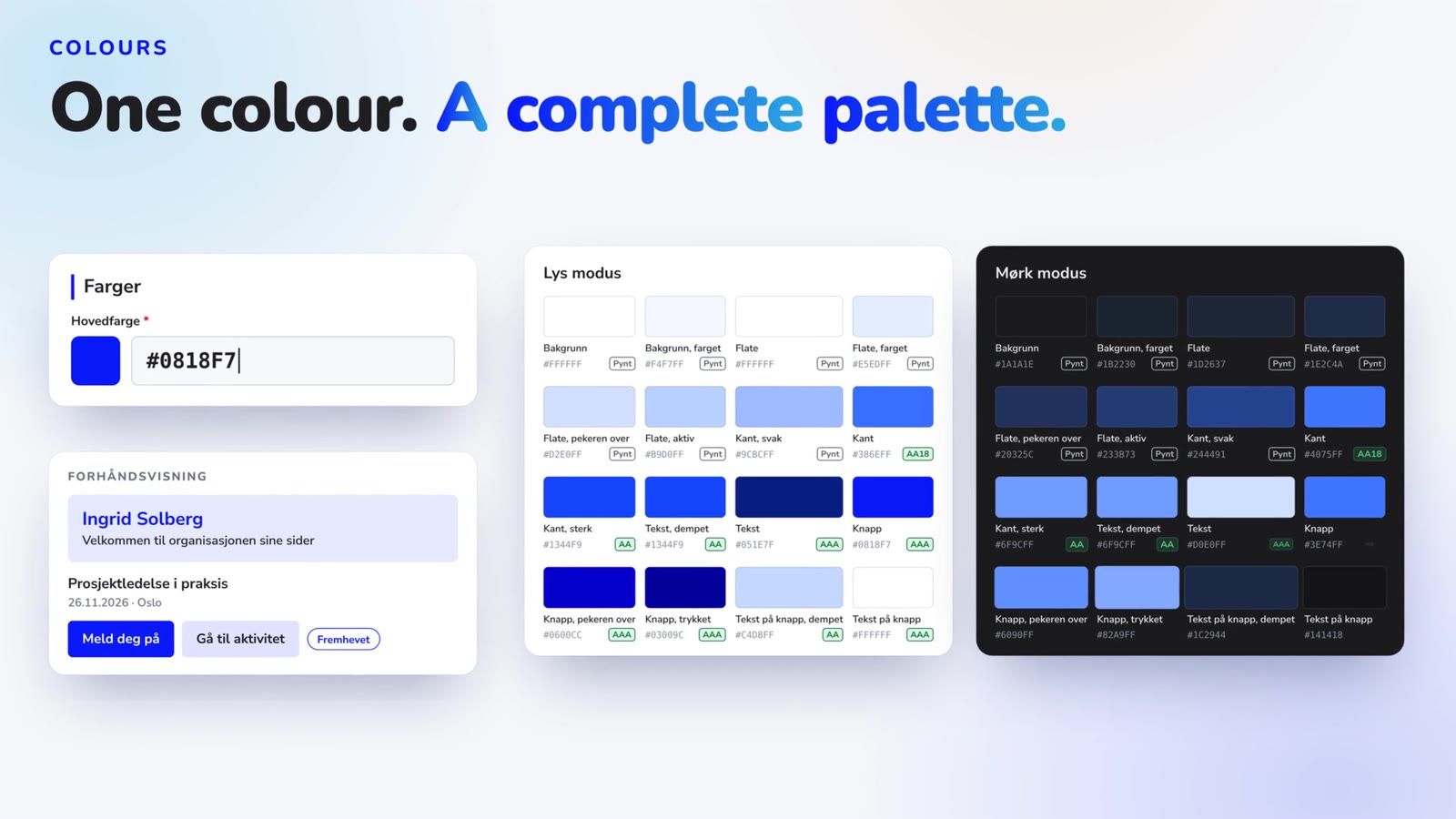
From the end of November, you set your own logo, colours, login page and share image in AlonLearn. Here is a walk-through of the branding settings, one by one.
brandingdesign
Video is the easiest training content to create, and the hardest to follow up. A recording from a seminar or a webinar can hold exactly the knowledge your employees need. But as long as it is just a video, nobody knows who watched it, how far they got, or whether they understood any of it.
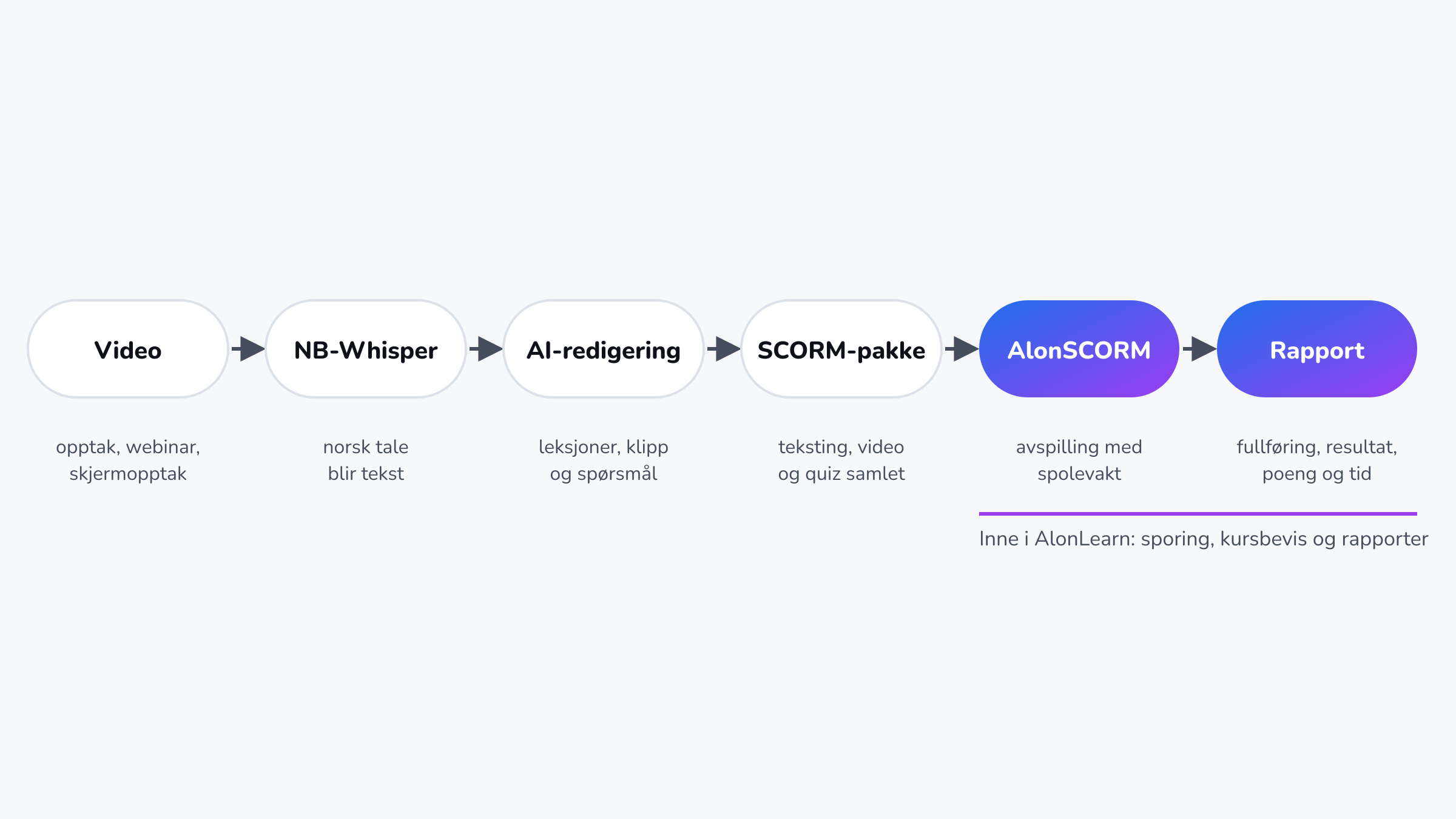
That is why we offer a service that turns video into e-learning you can track in full inside AlonLearn. The speech is transcribed with NB-Whisper, the Norwegian speech recognition model from the National Library of Norway. AI then cuts and adapts the content to your audience, and the result is delivered as a SCORM package that goes straight into AlonSCORM. There, every learner is tracked on the four data points that matter: completion, success, score and time.
This article is written for course administrators. We briefly cover how the course is produced, and then look in more detail at what happens once it is published.
Production is a service we deliver. You send us the recording, and we do the rest in close dialogue with your subject matter expert.
Before we start, we ask the questions that shape the course: Who is the audience? How long should each lesson be? Which language, and should the course have subtitles in several languages? What should learners be able to do afterwards, how many questions should the knowledge check have, and what is the pass mark?
NB-Whisper was developed by the AI lab at the National Library of Norway and trained on Norwegian speech. It handles dialects, technical terms and spoken Norwegian far better than general-purpose models. Every sentence in the transcript gets a timestamp, and we check it against a second model to catch passages that could otherwise drop out. Transcription runs on our own hardware.
With the transcript as a map, AI can read the whole recording and suggest what is content and what is noise: pauses, restarts, repetition and digressions. It splits the rest into short lessons, suggests chapters and writes questions based on what is actually said. Each question is linked to the point in the video where the answer is given.
The script, cuts and questions are approved by your subject matter expert before production. We then cut the video, zoom in on screen recordings where a system is shown, add subtitles and build the knowledge check into a SCORM package.
AlonSCORM is the player and e-learning library in AlonLearn. The package from production goes into your organisation's library, and from there you can link it to one or more courses.
One package, many courses. The same e-learning can be used in an open course, an internal onboarding programme and a course for a specific department. Results are recorded on each course.
Versions without losing history. If the expert changes something, we upload a new version. Earlier attempts stay linked to the version the learner actually took.
Completion rules on the course. You decide what counts as complete: finished, passed, or passed with a minimum active time.
Content stored in the EU. The e-learning is played from AlonLearn's own infrastructure.
In e-learning, the four most important tracking points in SCORM are often called "the big four". Together they answer the question every manager, auditor or regulator asks: Has this person completed the training, and did they understand it?
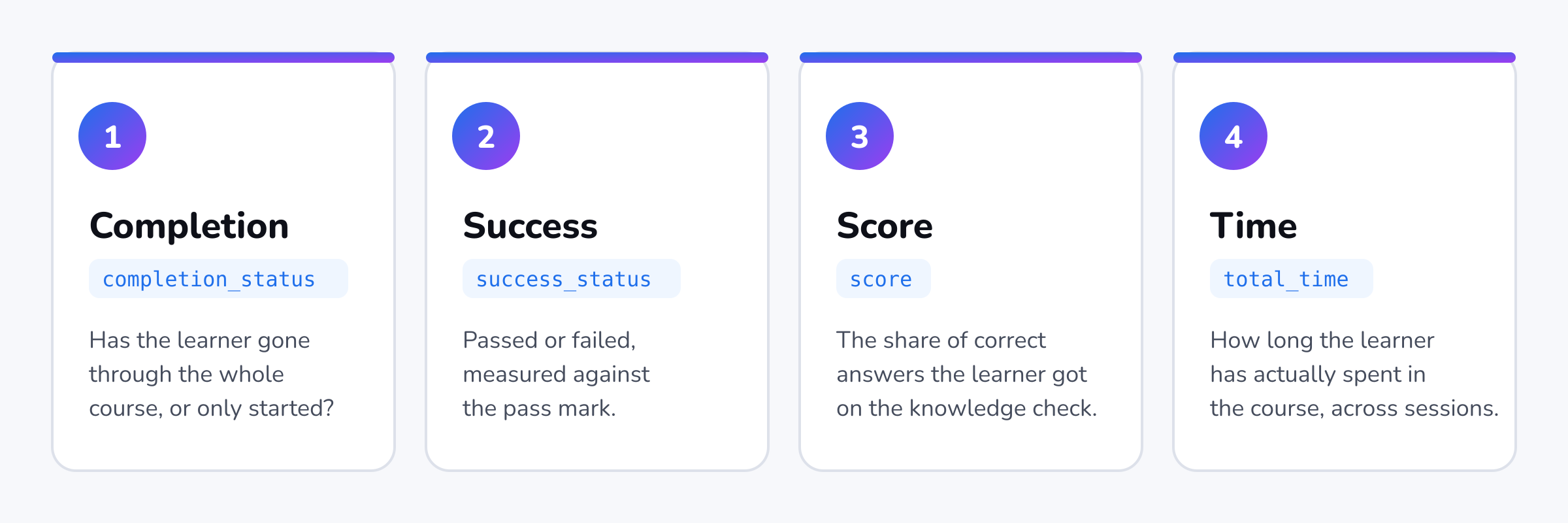
Completion tells you whether the learner has gone through the whole course or only started it. In SCORM 2004 this is a separate field (completion_status). In SCORM 1.2 it is part of the lesson status (lesson_status). The courses we produce only report completion once every lesson has been completed.
Success tells you whether the course was passed or failed (success_status in SCORM 2004). This is not the same as completion: a learner can watch everything and still fail the knowledge check. For documentation, that distinction is exactly what matters. Our courses report both passed and failed, so you can see who needs to retake the test.
The score shows the share of questions the learner answered correctly (score). It is measured against the pass mark you chose at the start. Because the questions are linked to specific points in the video, the expert can see which topics learners struggle with, and whether a lesson needs a better explanation.
Time shows how long the learner has spent in the course across all sessions (total_time). In AlonSCORM, active time is also measured by the platform itself, so the figure is not only what the course reports about itself.
The big four are only worth something if the numbers are right. That is why AlonSCORM has built-in controls that make it hard to click through a video:
Seek guard: learners cannot skip past content they have not watched.
Speed limit: the video cannot be played so fast that completing it becomes meaningless.
Measured active time: the platform measures time itself and can require a minimum active time before the course counts as complete.
Attempt history with readable answers: for each attempt you can see the question text, the answer options and what the learner answered. This is essential when competence has to be documented after the fact, for example after an incident.
Resume where you left off: learners can take a break and continue later without losing their progress.
For you as a course administrator, the e-learning becomes a normal part of AlonLearn:
status for every learner on the course, with completion, success, score and time
attempt history per learner, with the option to reset an attempt
export of results to Excel
learner status updated automatically on completion, which can trigger a course certificate
the same registration, payment, reminders and reports as for every other course in AlonLearn
In other words, you do not need a separate system for e-learning. Video, knowledge checks and documentation live where your learners, courses and the rest of your training already are.
System training: screen recordings of a new ERP or business system become short lessons, zoomed in on what is shown, with a test that documents that users understand the workflow.
Webinars and seminars: a one-hour recording becomes a course that takes a fraction of the time, without pauses and technical interruptions.
Continuing professional development: talks by experts become documented learning activities with recorded time and results.
Onboarding: introduction videos become an onboarding programme where managers can see who has completed it.
They are the four most important tracking points in SCORM: completion, success (passed or failed), score and time. Together they document whether a learner has completed and understood a course.
We deliver SCORM packages that report all four data points. The version is adapted to the platform the course will be used in. In AlonLearn, the package plays in AlonSCORM.
NB-Whisper is trained on Norwegian speech by the National Library of Norway and is more accurate on dialects, technical terms and Norwegian names. An accurate transcript gives better cuts, better subtitles and better questions.
Yes. Changes are uploaded as a new version in the e-learning library. The history of earlier attempts is kept.
Yes. The service is built for the recordings you already have, whether they are webinars, screen recordings, talks or interviews.
Do you have recordings that should be training with documented completion? Get in touch, and we will show you how one of your recordings can become a course in AlonLearn, with full tracking from day one.

Have questions about how AlonLearn can help your organization? We're here to help you find the best solution for your needs.
From the end of November, you set your own logo, colours, login page and share image in AlonLearn. Here is a walk-through of the branding settings, one by one.
Automated course administration means that registration, communication, payment processing, participant follow-up and reporting are handled automatically within one unified system. Instead of managing Excel spreadsheets, sending invoices manually from an accounting system and handling endless back-and-forth emails, the entire process is digitized, structured and streamlined.With AlonLearn, you get a complete solution that combines LMS functionality, course registration and invoicing in one platform. The result is better control, reduced manual workload and a more professional experience for both administrators and participants.
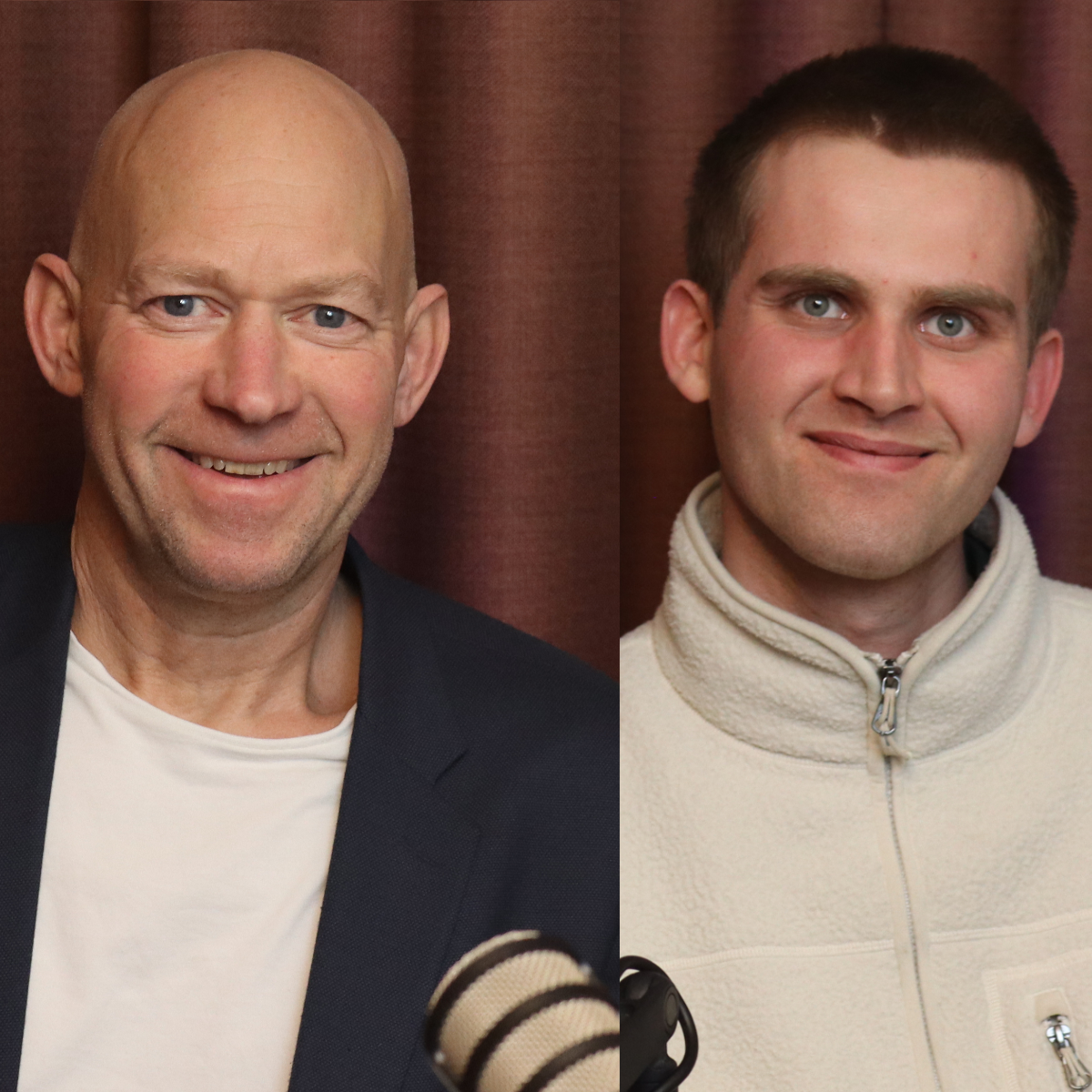
Fredrick Falck Skogstad from Already On is this week’s guest on the podcast, where we dive straight into how AI is reshaping both the software industry and the way we work. Fredrick teaches AI courses and develops AlonSkills using vibe coding and precise prompt engineering. Rather than relying on a single model, he combines multiple AI tools for different tasks and connects them into structured workflows.
For government agencies using DFØ as their accounting service provider, integration with Unit4 ERP is not optional — it is a prerequisite. At the same time, modern solutions for e-learning, LMS platforms, and course registration systems require secure data exchange, automated invoicing, and full traceability.
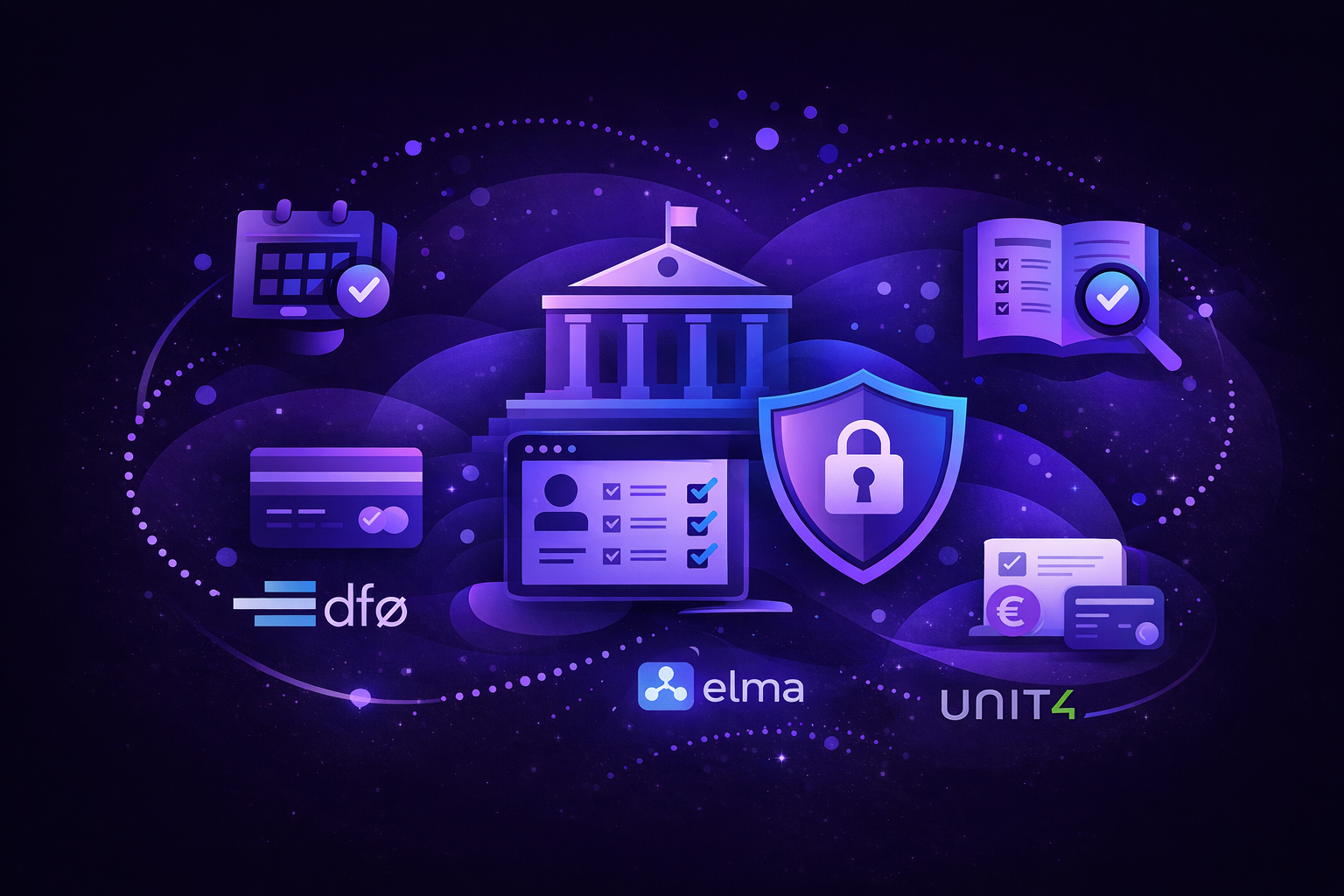
Many organizations operate with a separate LMS, a registration system, and often a standalone webinar solution. Individually, they work well. The challenge arises when public sector requirements demand that these systems operate seamlessly together.
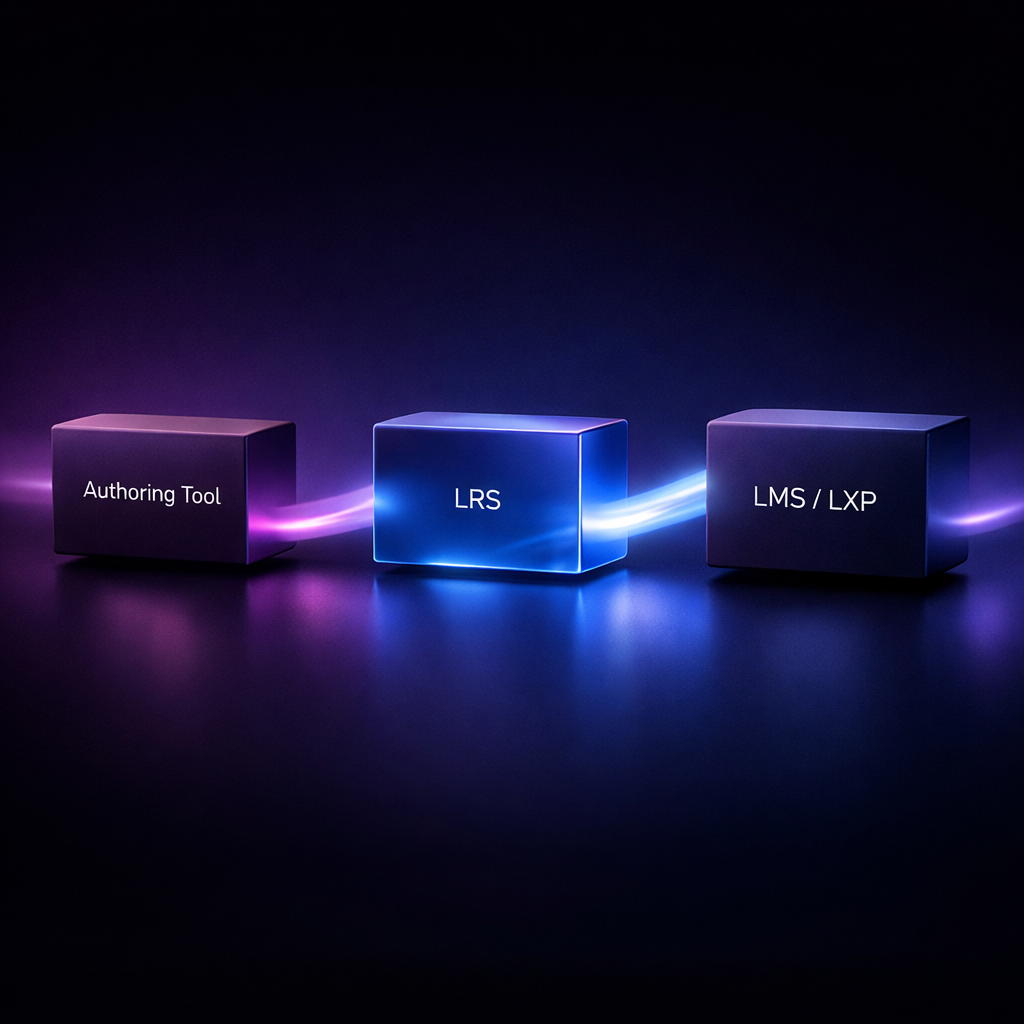
What are LMS, LXP, LRS and authoring tools — and why are these building blocks important when working with digital learning?